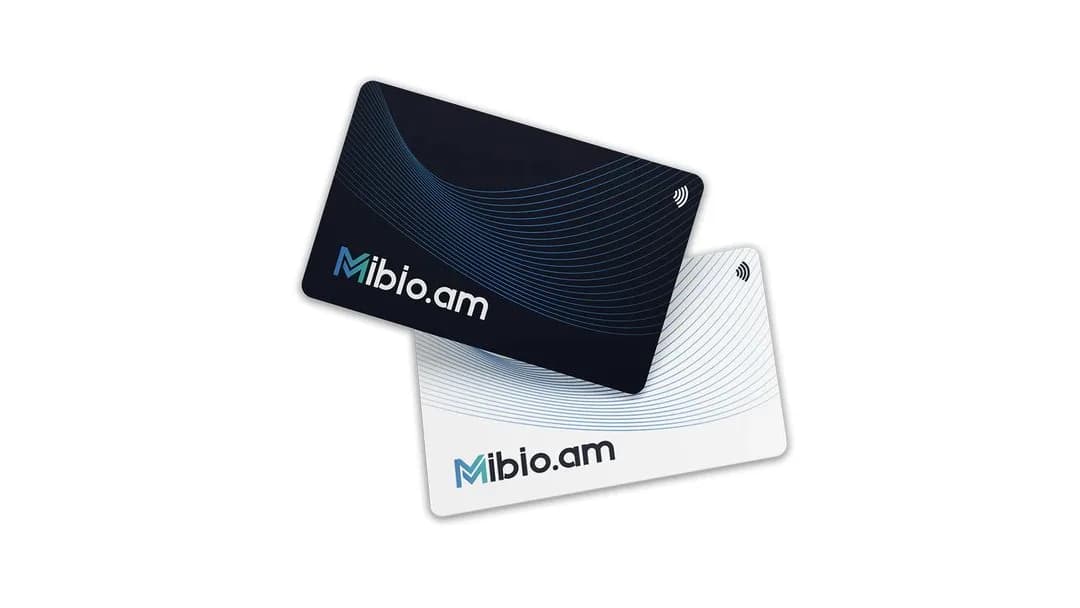
QR codes for Instagram, Facebook and LinkedIn
Make a free QR code for your Instagram, Facebook or LinkedIn page, and print it on a sign, a menu or a business card.
· 2 min read
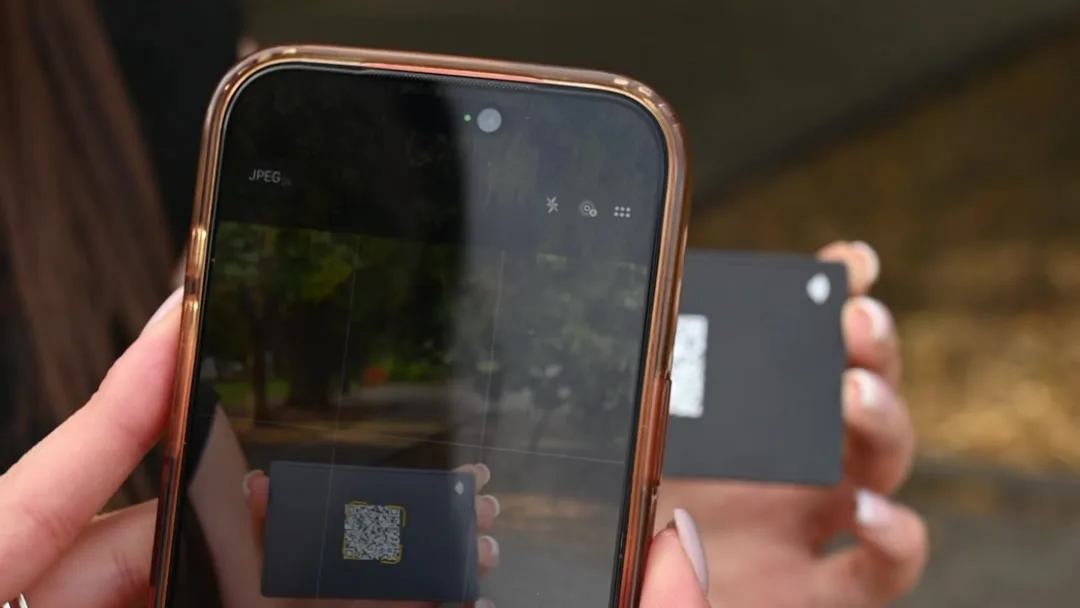
A QR code takes people from a printed sign or card directly to your social page. DENSO WAVE released the format in 1994, and the auto industry was among its first users, according to QRcode.com. The name stands for quick response. Today most phone cameras read it directly.
Make your code
LinkedIn also offers its own QR code. In the mobile app, tap the QR code in the search bar and open My code, as LinkedIn Help explains. A code from the Mibio generator works the same way, and it comes as an image or a printable sign.
Before you print
- Test it. Scan the code with your own phone, and ideally with an older one too, to check that it opens the right page.
- Make it big enough. A common guideline is a 10:1 ratio between scanning distance and code size. A code scanned from 20 cm away should be at least 2 × 2 cm, as this guide to QR code sizes recommends. A sign read from a meter away needs a code of about 10 cm.
- Leave a clear margin. A QR code needs a blank margin, or quiet zone, four modules wide on every side, according to DENSO WAVE. A module is one small square of the code. Please keep text and graphics away from its edges.
- Keep the contrast high. A dark code on a light background scans most reliably.
Sources
- History of QR Code. DENSO WAVE.
- Point for determining the code area. DENSO WAVE.
- Using a LinkedIn QR Code to Connect with Members. LinkedIn Help.
- What is the minimum size of a QR Code?. qr.deloitte.com.
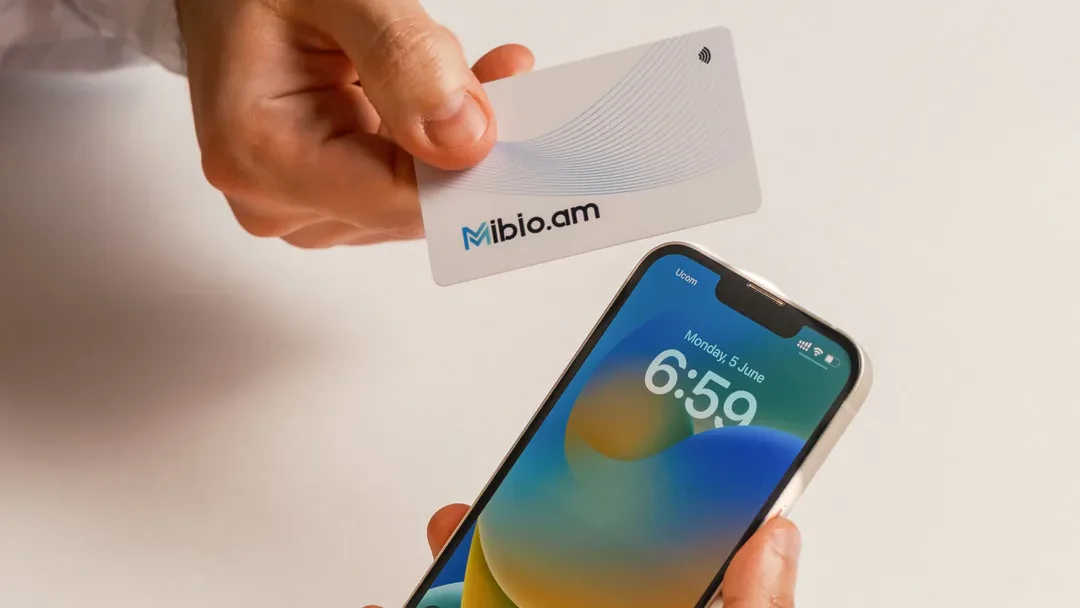
Share your contact details with a single tap
We design each Mibio card for you free of charge, and you can update your profile at any time.
Get your smart card