Does my phone have NFC? How to check and turn it on
How to tell whether your iPhone or Android phone reads NFC, how to turn it on, and what to do if it has none.
· 2 min read
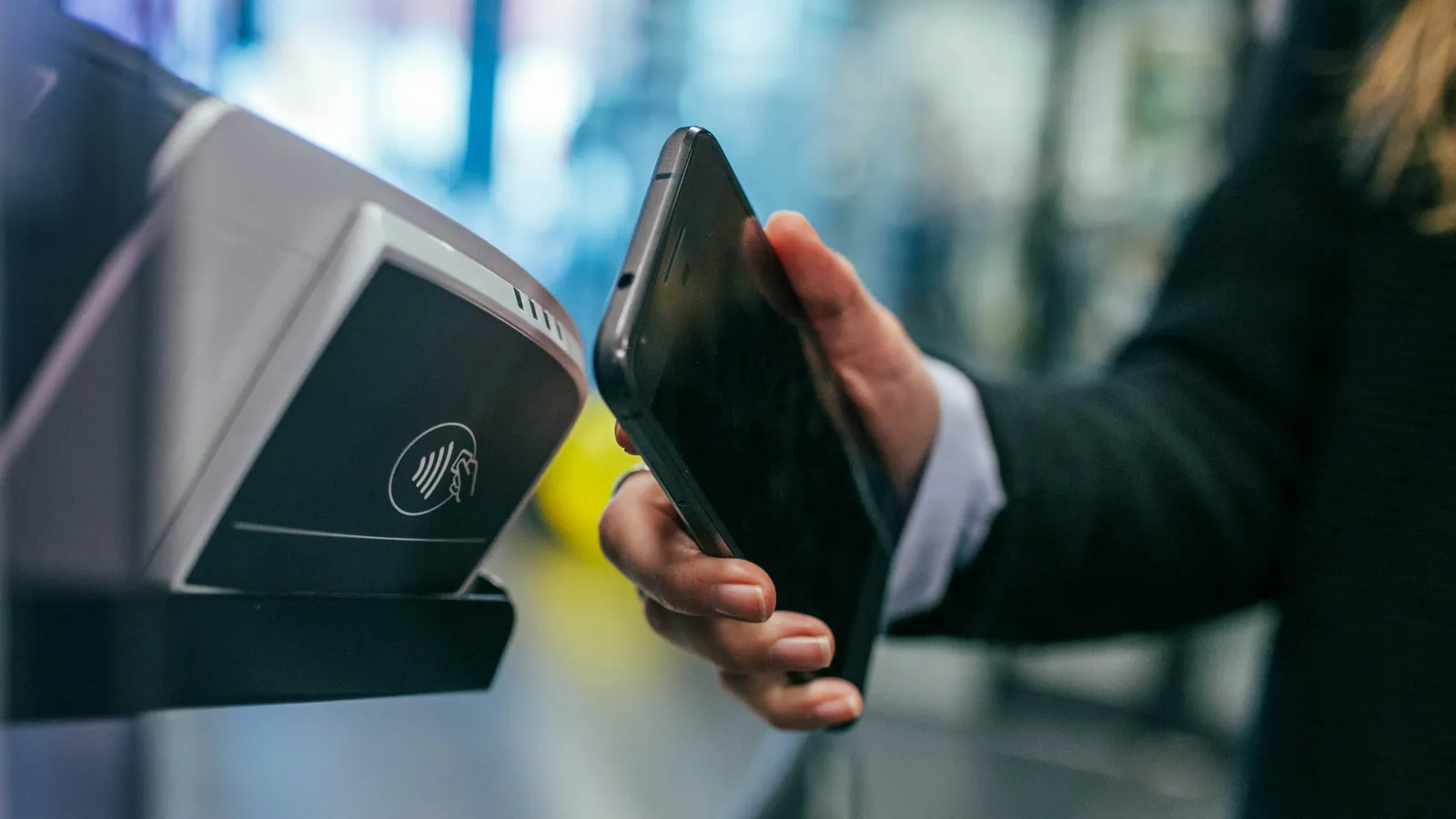
NFC stands for near field communication. It is the technology behind contactless payments and NFC business cards. Two devices can exchange data when they are about four centimeters apart or closer, as the IEEE describes it. Most smartphones from the last few years have NFC built in. Here is how to check yours.
iPhone
iPhone XS, iPhone XR and every newer iPhone read NFC tags automatically, so there is nothing to turn on. According to Apple's developer documentation, the phone reads a tag while it is in use and shows a notification. Tapping the notification opens the page. If the iPhone is locked, it asks you to unlock it first.
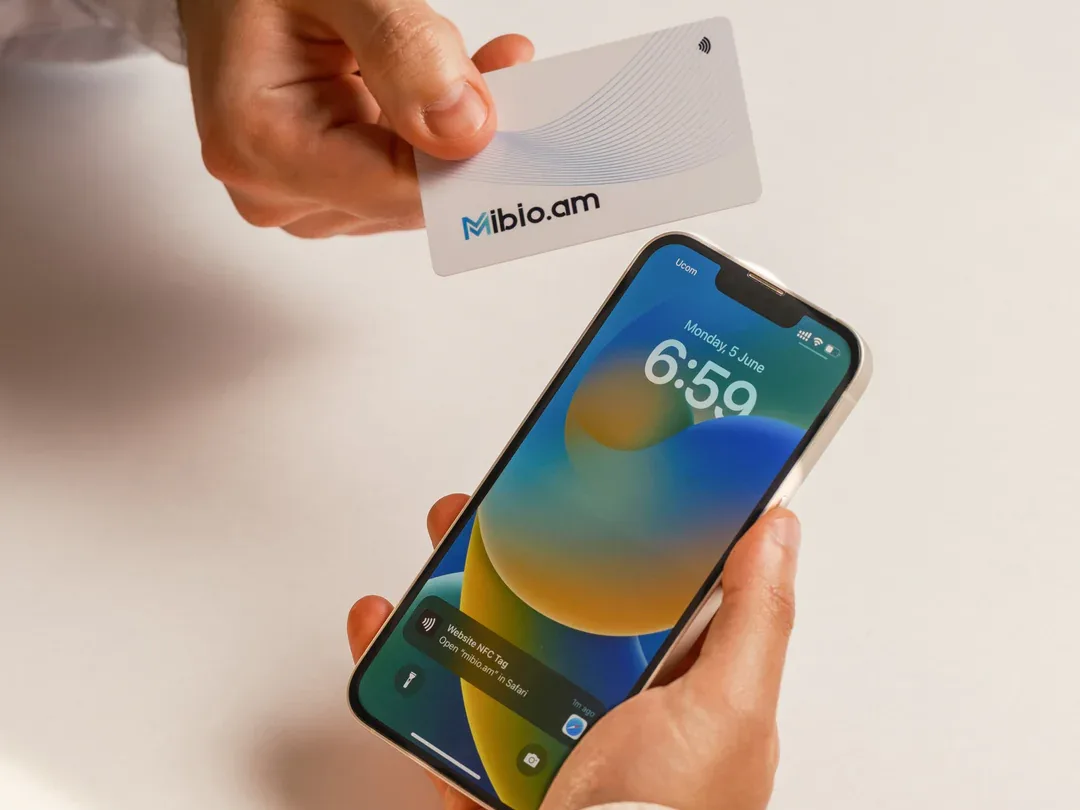
A few situations pause this automatic reading, for example when the camera or Apple Pay is open, or in Airplane mode. If a tap has no effect, please close the camera or Wallet and try again.
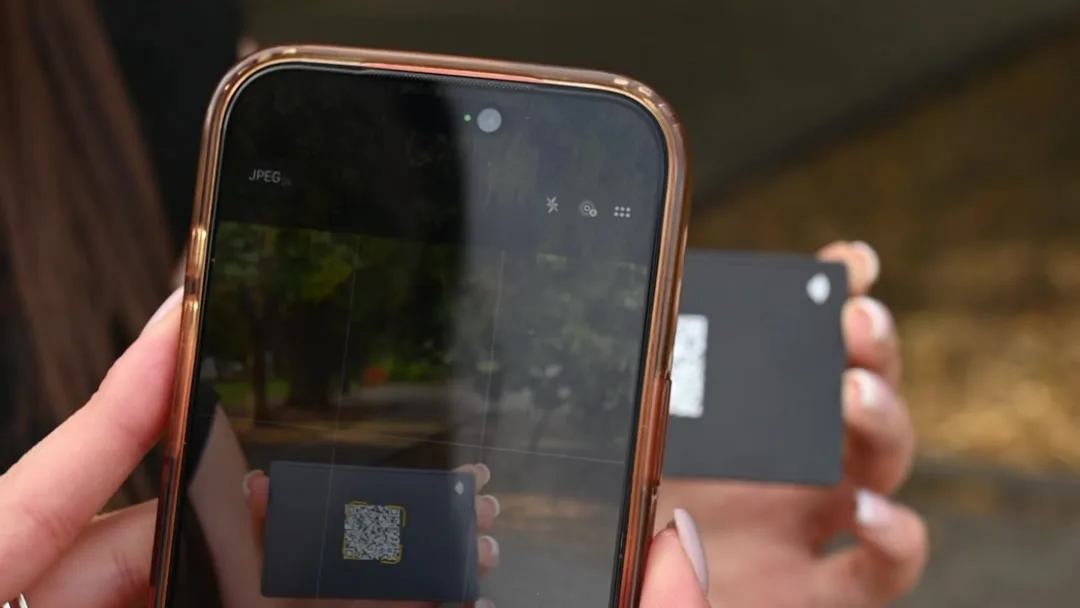
iPhone 7, iPhone 8 and iPhone X can also read NFC tags, using the NFC Tag Reader button in Control Center. Apple Support lists these models. Older iPhones cannot read NFC tags, so they open a profile through the QR code.
Android
Most Android phones have NFC, and you need to turn it on before the phone can read a card.
- Swipe down from the top of the screen twice to open Quick Settings.
- Find the NFC tile and tap it, so it lights up. If you do not see it, swipe left, as it may be on another page of tiles.
- If there is no tile, open Settings and type NFC in the search bar at the top.
The exact path depends on the brand. On a Google Pixel, go to Settings › Connected devices › Connection preferences › NFC and turn on Use NFC, according to Google's Pixel Help. On Samsung phones, the setting is under Settings › Connections › NFC and contactless payments.
Where to hold the card
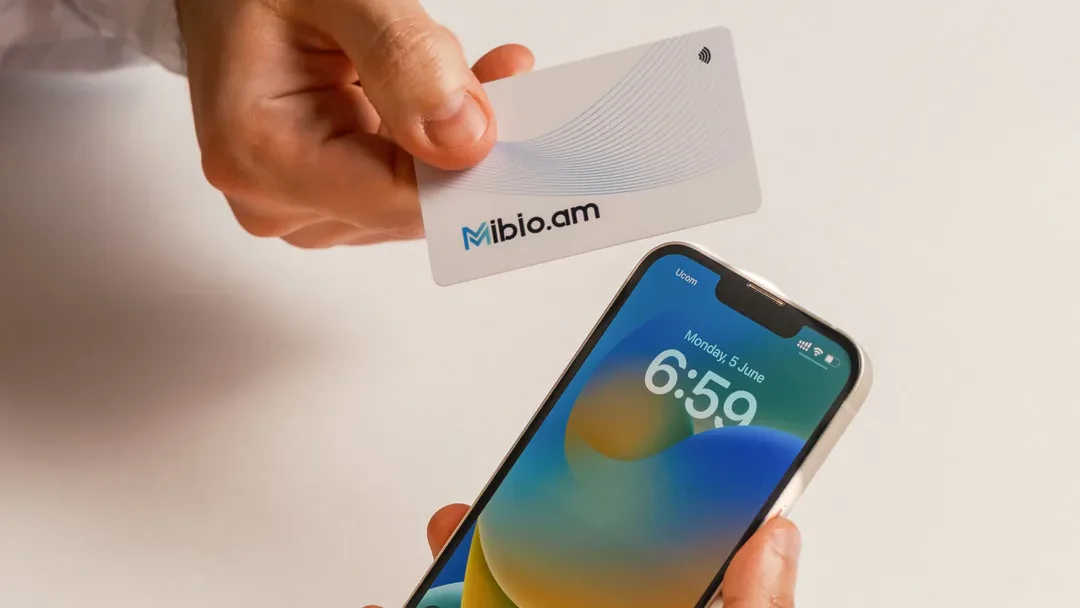
On an iPhone, the reader is at the top of the back, near the camera. On most Android phones, it is in the middle of the back. Hold the card flat against the phone for a second or two, because a quick swipe is often not enough. Thick or metal cases and magnetic holders can block the signal.
Which phones read Mibio, and where to tap has details for each phone.
Sources
- Nfc. IEEE Technology Navigator.
- Adding Support for Background Tag Reading. Apple Developer Documentation.
- Models that support NFC Tag Reader. Apple Support.
- Change how your device connects to printers, accessories & more. Google Pixel Phone Help.
Share your contact details with a single tap
We design each Mibio card for you free of charge, and you can update your profile at any time.
Get your smart card