How monthly AI scans are counted
Updated
Mibio AI reads a photo of a paper business card and turns it into a contact. Each profile can make a set number of scans a month:
- Free: 3 scans a month
- With any Mibio product: 30 scans a month
- Pro: unlimited
What counts as a scan
- One scan is one business card. Up to 3 photos of it, such as the front and the back, count as a single scan.
- A scan counts as soon as Mibio AI has read the photos, even if you then discard the result. Please check the photo before you send it.
- Scans belong to the profile you save the contact to. If other people manage that profile with you, you share its scans.
- Each profile has its own scans: scanning into one never uses another's.
When the count starts again
The count starts again on the 1st of every month, at 04:00 Yerevan time (midnight UTC). Unused scans do not carry over to the next month.
See how many you have left
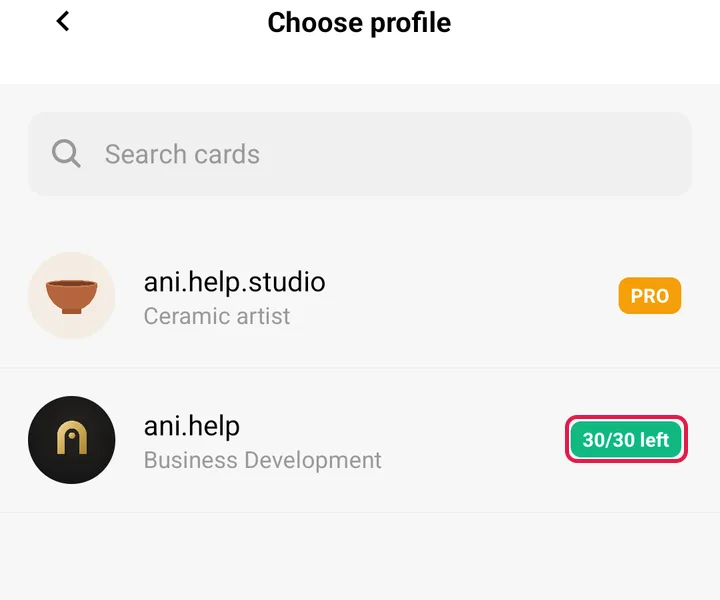
- In the app: if you have more than one profile, you choose one after taking the photo. The list shows the scans each profile has left, for example 27/30 left, or Pro when there is no limit.
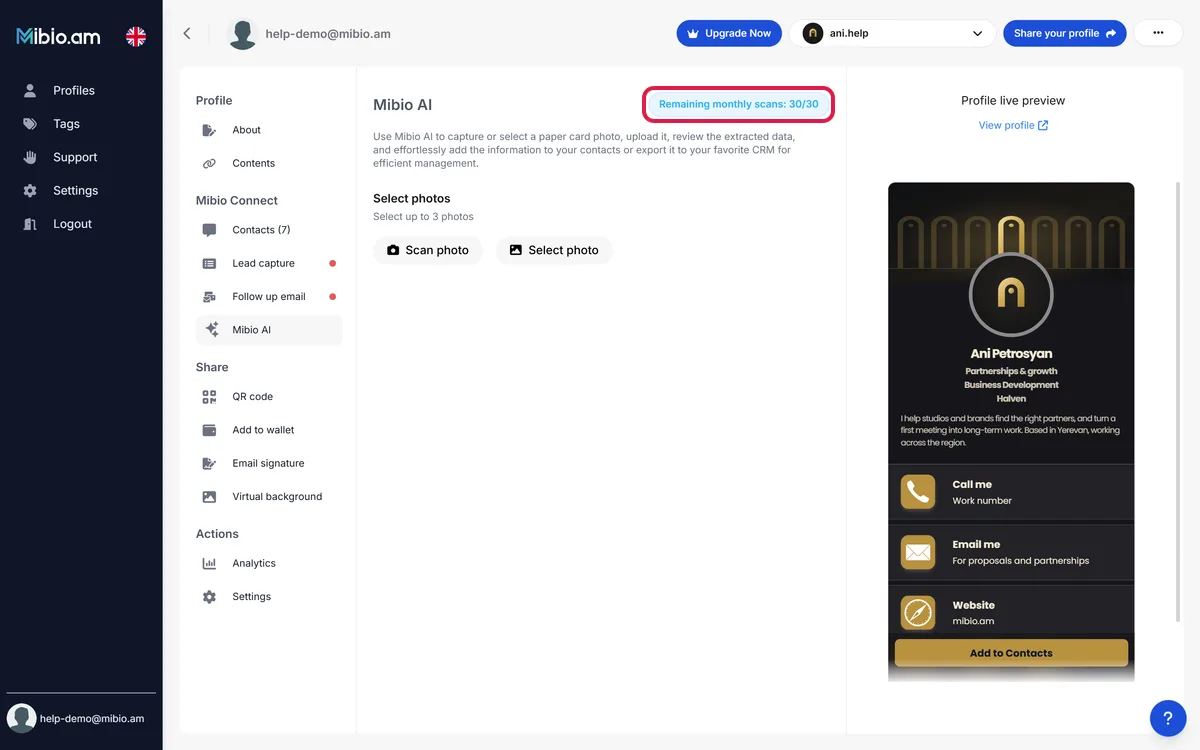
- On the website: open your profile and choose Mibio AI in the menu on the left. The scans left are shown at the top.