
Cancel Mibio Pro
Updated
Cancelling stops the next renewal. Pro stays on until the end of the period you've already paid for. After that, the profile keeps what its Mibio product includes, or goes back to Free.
Pro is per profile: if several of your profiles have it, cancel each one. Only the profile's owner can cancel, not people it's shared with.
On the website
- Sign in at www.mibio.bio and open the profile.
- In the menu on the left, under Actions, choose Settings.
- In Subscription Management, click Cancel Subscription, then Yes, Cancel.
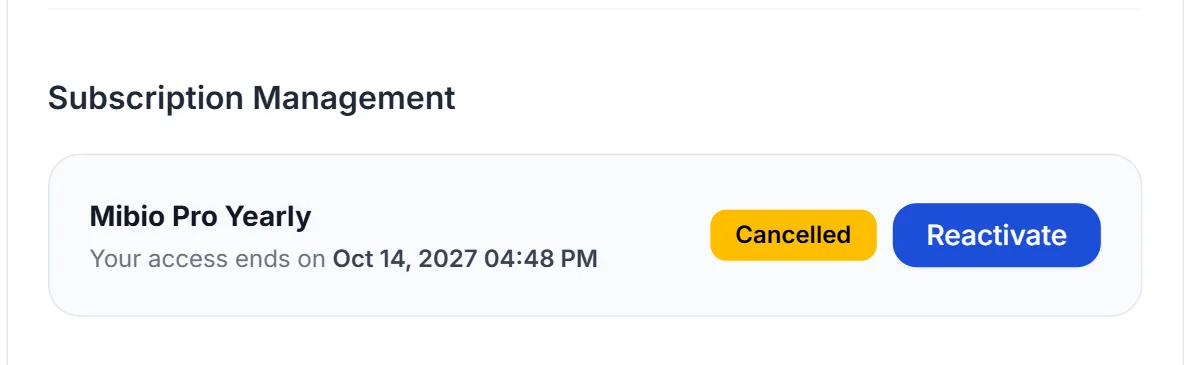
- The section now says Cancelled and shows the date your access ends. We also email you a confirmation.
In the app
- In the Profiles tab, open the profile.
- Tap the menu button at the top right and choose Manage subscription.
- Tap Cancel subscription, then Yes, cancel.
- The app confirms the cancellation and shows when your access ends.
Changed your mind?
Before the end date, open the same Settings page on the website, click Reactivate and confirm. Pro then renews with your saved bank card, and nothing is charged before your current period ends.