
Share your profile by tap, QR code or link
Updated
The person you share with doesn't need an app. Pick whichever way is easiest at the moment.
Tap your product
Hold your Mibio card, stand or dot against the back of their phone. Your profile opens in their browser. See Which phones read Mibio, and where to tap.
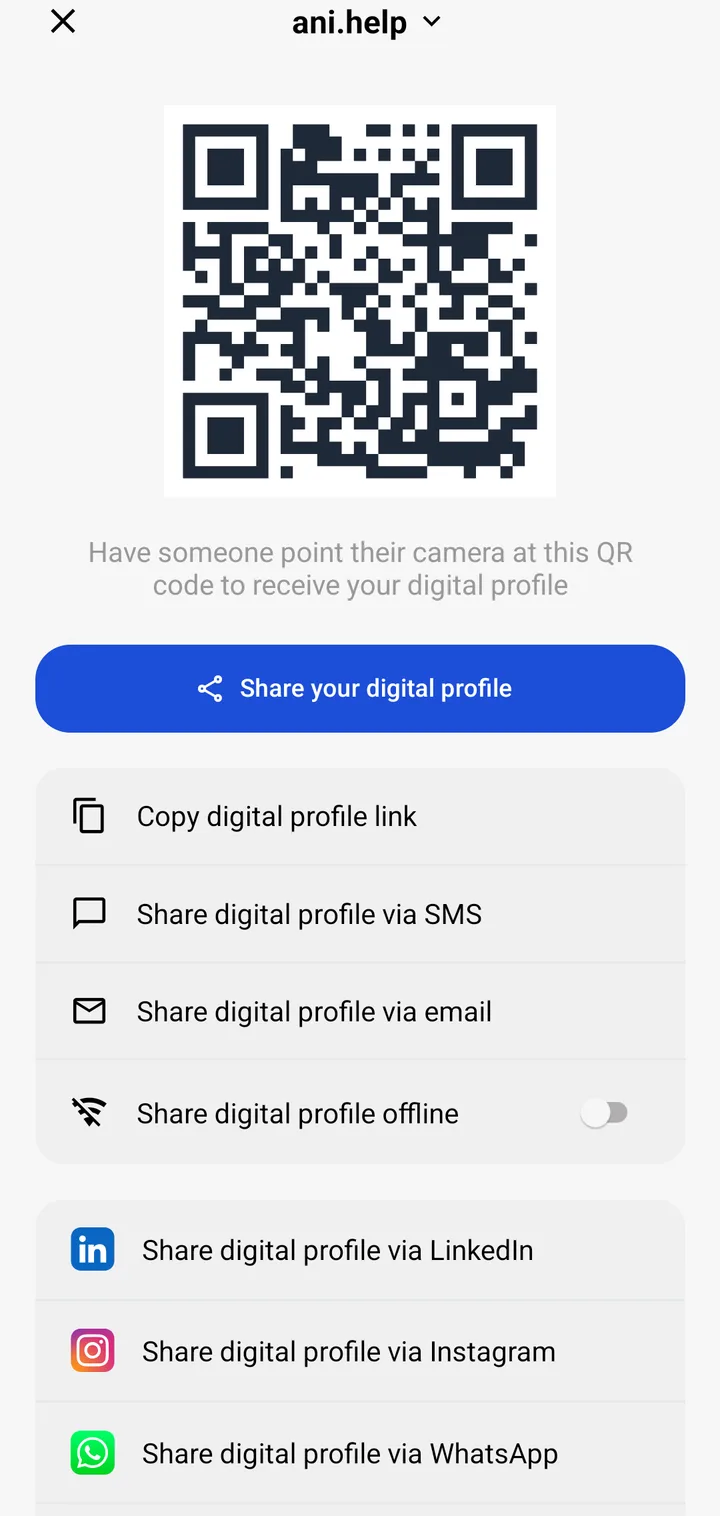
Show your QR code
Any phone with a camera can scan it, including phones without NFC.
- In the Mibio app, open the Share tab.
- If you have more than one profile, choose the one to share.
- The other person points their camera at the QR code, and your profile opens on their phone.
On the website, open your profile and click Share your profile at the top right to show the same code. To download it as an image, choose QR code in the menu on the left.
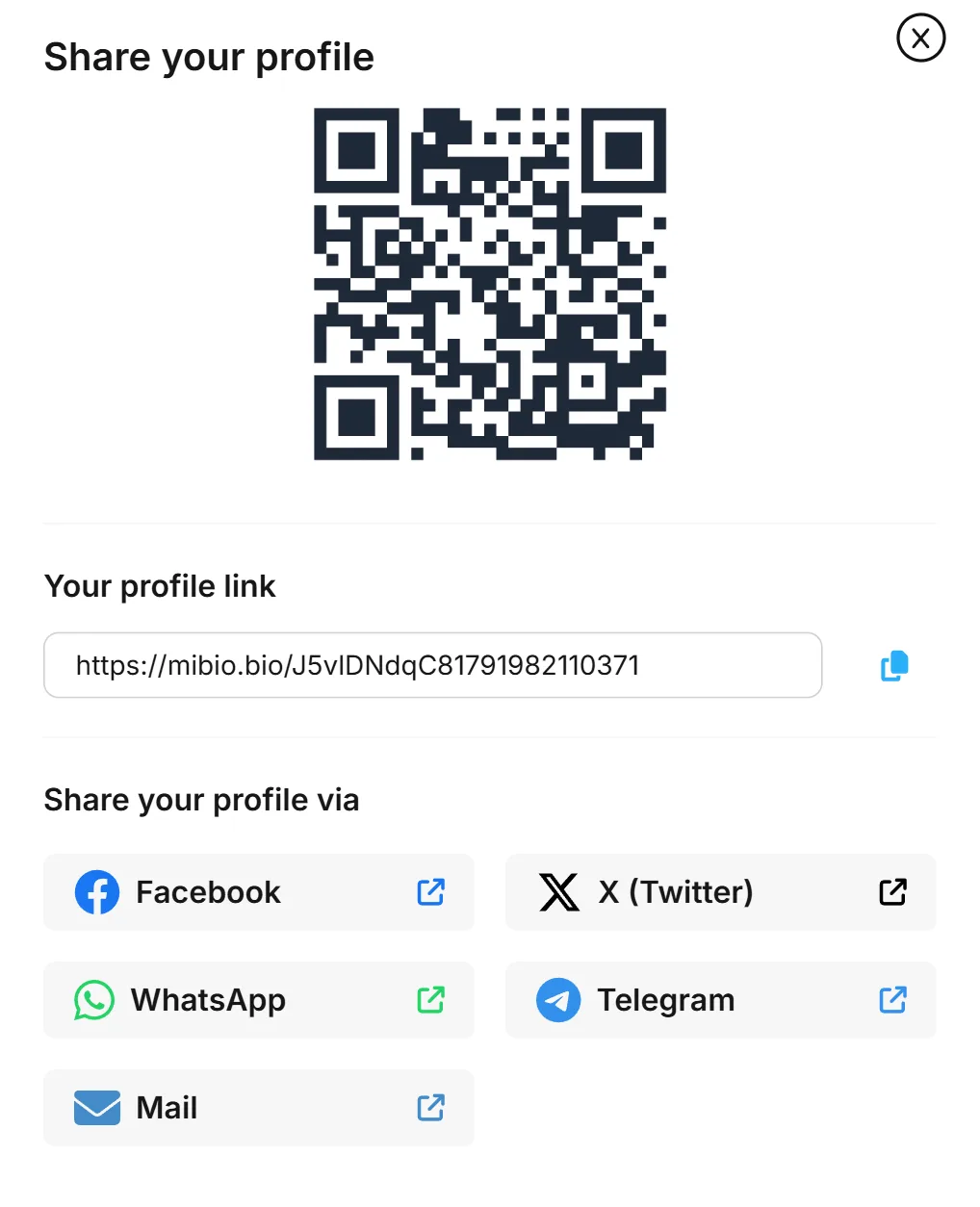
Send your link
In the app's Share tab, tap Copy digital profile link, or send it straight to WhatsApp, Instagram, LinkedIn, email or a text message. On the website, the Share your profile window shows your link with a copy button.
Share offline
In the app's Share tab, tap Share digital profile offline. The QR code that appears holds your name, job title, company, phone number, email and profile link, so the other person can save your contact even without an internet connection.